
How to Process Payroll: A Step-by-Step Guide for Businesses
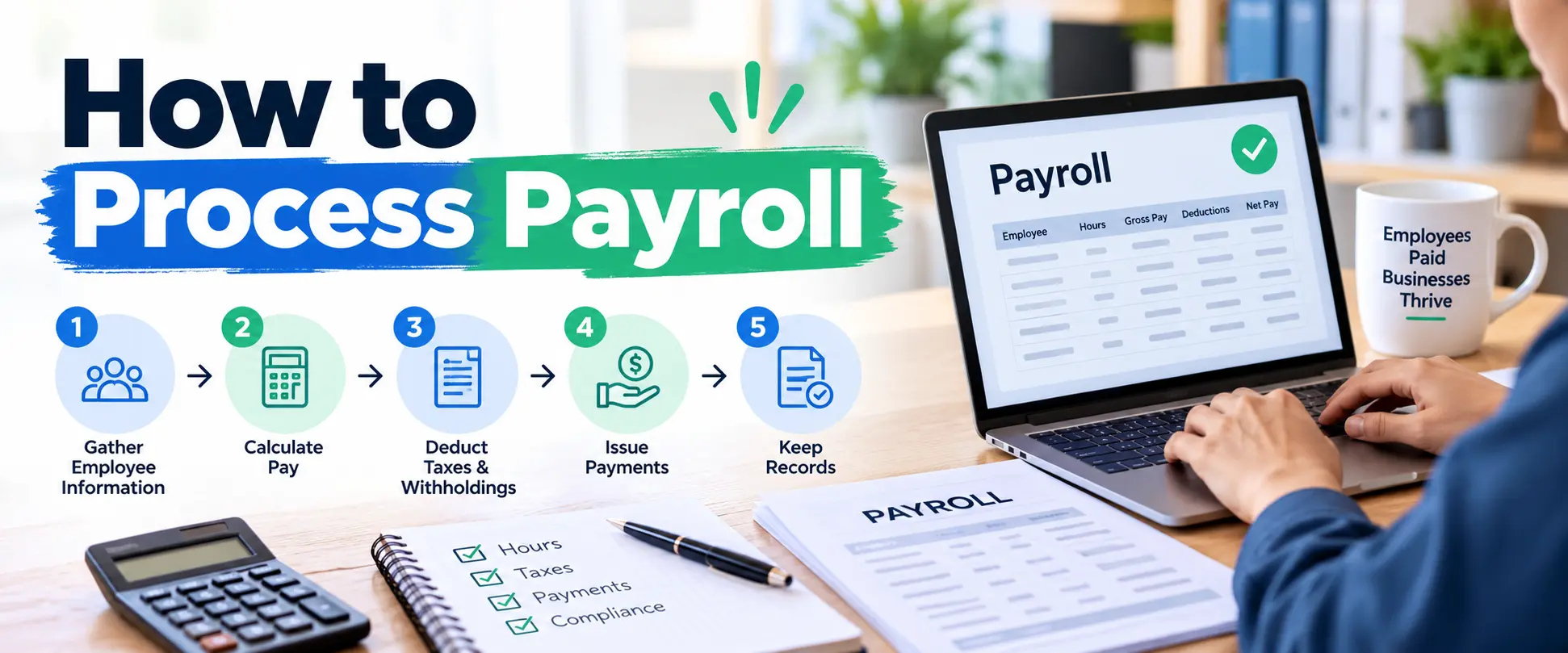
Payday may look simple from an employee’s perspective, but several calculations and checks happen behind the scenes. Learning how to process payroll means understanding how to collect employee information, confirm hours worked, calculate gross pay, apply deductions, determine net pay, issue payments, and maintain accurate records. A reliable process helps employees receive the correct amount on time while helping a business meet its payroll responsibilities.
The exact process varies by location, business structure, workforce, pay schedule, benefits, and applicable tax rules. However, the basic workflow remains similar for many businesses. Once you understand that workflow, payroll becomes easier to organize and review.
What Does Processing Payroll Mean?
Payroll processing is the series of steps a business follows to calculate and distribute employee compensation for a specific pay period.
Before processing begins, employers need accurate information about each worker. That information can include pay rates, hours worked, tax-related forms, benefits, deductions, overtime, bonuses, commissions, and payment details.
If you are new to the subject, understanding what is payroll first can make the rest of the process easier because payroll involves more than simply transferring wages into an employee’s bank account.
A complete payroll process usually involves:
- Collecting employee and timekeeping information
- Reviewing hours and compensation
- Calculating gross pay
- Applying required and authorized deductions
- Calculating net pay
- Approving payroll
- Paying employees
- Handling applicable payroll taxes and filings
- Maintaining payroll records
Although payroll software can automate many calculations, employers still need accurate information before they run payroll.
How to Process Payroll Step by Step
Businesses can reduce errors by following the same organized procedure during every pay cycle. The exact requirements depend on the employer’s location and workforce, but these steps provide a useful general framework.
Step 1: Gather Employee Payroll Information
First, make sure each employee has been properly added to the payroll system.
Depending on your location and business requirements, you may need tax forms, payment information, compensation details, benefit selections, and other employment records.
At this stage, classify workers correctly as well. For instance, payroll treatment may differ between employees and independent contractors. Different types of employees can also have different schedules, benefits, or compensation arrangements.
Accurate setup matters because mistakes at this stage can affect future paychecks.
Step 2: Establish a Payroll Schedule
Next, determine how frequently employees will receive their wages.
Common schedules include weekly, biweekly, semimonthly, and monthly payroll. However, permitted schedules and payday requirements can vary by jurisdiction.
Once you choose a schedule, create a payroll calendar that shows the beginning and end of each pay period, internal processing deadlines, approval dates, and paydays.
For example, if payday falls on Friday, the payroll team may need approved time records several business days earlier. Therefore, managers and employees should know their submission deadlines in advance.
Step 3: Collect and Verify Hours Worked
For hourly employees, gather approved time records for the pay period.
Then, check regular hours, overtime, paid leave, unpaid time, and any corrections from previous periods.
Meanwhile, salaried employees may not require the same hourly calculation for their regular salary. Still, leave, bonuses, commissions, or other adjustments may affect the payroll record.
Businesses with mixed workforces should also understand the difference between part time and full time, especially because work schedules and benefit eligibility may influence payroll-related information.
Before moving forward, resolve missing or questionable time entries. Otherwise, a small timekeeping problem can lead to an incorrect paycheck.
Step 4: Calculate Gross Pay
Gross pay is an employee’s earnings before taxes and other deductions.
For an hourly worker, a basic calculation is:
Hourly rate × eligible hours worked = gross regular pay
Suppose an employee earns $20 per hour and works 40 regular hours. Their regular gross earnings would be $800 before deductions or other adjustments.
However, overtime rules may require a different rate when applicable. Likewise, commissions, bonuses, tips, shift differentials, or other compensation may need to be included according to relevant rules and company policies.
For salaried employees, employers commonly divide the annual salary according to the established number of pay periods while accounting for necessary adjustments.
Step 5: Calculate Payroll Deductions
After determining gross pay, calculate applicable deductions.
Depending on the employee and jurisdiction, these can include taxes, retirement contributions, insurance premiums, legally required deductions, and other authorized deductions.
Some deductions reduce taxable income under certain rules, while others occur after taxes. Therefore, businesses should not assume that every deduction works the same way.
Payroll software can simplify this stage. However, employers should keep employee information and applicable tax settings current so the system can calculate payroll correctly.
Step 6: Determine Net Pay
Net pay is generally the amount remaining after applicable deductions come out of gross earnings.
A simplified formula looks like this:
Gross pay − applicable deductions = net pay
However, actual payroll calculations can involve multiple tax rules, benefits, and adjustments.
Before approving payment, review unusual changes. For example, if an employee’s normal paycheck suddenly changes significantly, confirm whether overtime, leave, a bonus, a benefit change, or a data-entry error caused the difference.
That review can catch mistakes before money leaves the business account.
Step 7: Review and Approve Payroll
Never treat payroll approval as a formality.
Instead, compare the current payroll with previous periods and investigate unexpected differences.
Check details such as:
- Employee names
- Pay rates
- Hours worked
- Overtime
- Bonuses and commissions
- Paid leave
- Deductions
- New hires
- Departing employees
- Net pay
- Total payroll cost
A second reviewer can provide another layer of control when the business has enough staff to separate payroll preparation from approval.
After everything looks correct, authorize payroll for payment.
Step 8: Pay Employees
Businesses may pay employees through direct deposit, checks, payroll cards where permitted, or another approved method.
Direct deposit is common because it reduces manual handling. However, businesses need to submit payroll early enough for the financial institution and payroll provider to complete the transaction.
Employees should also receive appropriate pay information showing earnings and deductions according to applicable requirements.
Step 9: Handle Payroll Taxes and Records
Processing employee payments does not necessarily finish the employer’s payroll responsibilities.
Businesses may also need to deposit payroll taxes, submit required reports, provide tax documents, and maintain payroll records for specified periods. In the United States, the Internal Revenue Service provides guidance on depositing and reporting employment taxes, including federal income tax, Social Security, Medicare, and unemployment taxes. IRS guidance on depositing and reporting employment taxes
Because these requirements vary by country, state, province, or other jurisdiction, employers should use current guidance from the relevant tax and labor authorities.
Finally, reconcile payroll records with business accounting records and bank transactions. This step helps identify duplicate payments, missing entries, or unexpected differences.
How Long Does It Take to Process Payroll?
Business owners often ask how long does it take to process payroll, but there is no universal processing time.
A small company with a few salaried employees and automated payroll may complete its internal review quickly. In contrast, a larger organization with hundreds of hourly workers, overtime, commissions, benefits, and multiple locations may need considerably more time.
The processing period can also include several separate stages:
| Payroll Stage | What Happens |
|---|---|
| Data collection | Hours, leave, bonuses, and changes are gathered |
| Verification | Payroll information is checked for errors |
| Calculation | Gross pay, deductions, and net pay are calculated |
| Approval | Authorized staff review the payroll |
| Payment submission | Payment instructions are sent |
| Settlement | Employees receive their money |
Therefore, when someone asks how long does payroll take to process, they may be referring to the employer’s internal work or the time required for funds to reach employees.
Both timelines matter.
How Long Does It Take Payroll to Process Direct Deposit?
The question how long does it take payroll to process direct deposit depends on the payroll provider, bank, submission time, weekends, holidays, and payment system involved.
Businesses usually need to submit direct-deposit instructions before a provider’s cutoff time. Therefore, payroll teams should work backward from payday rather than starting the process on the day employees expect payment.
For instance, if employees must receive their wages on Friday, payroll may need to be approved and submitted earlier in the week.
The safest approach is to confirm the required lead time directly with your payroll provider and financial institution.
Likewise, if you are wondering how long does it take for payroll to process, remember that calculating payroll and settling the payment are separate stages. A payroll calculation might finish quickly, while the payment itself may require more processing time.
Common Payroll Mistakes Businesses Should Avoid
Payroll errors can frustrate employees and create extra administrative work.
One common mistake is using inaccurate time records. Therefore, businesses should establish clear deadlines for employees and managers to submit and approve hours.
Another problem is failing to update employee information. Changes to pay rates, benefits, addresses, bank accounts, or employment status should enter the payroll system promptly.
Worker classification also deserves attention. Misclassifying a worker can affect taxes, benefits, reporting, and other employer responsibilities.
Finally, businesses sometimes rely too heavily on automation. Payroll software can perform calculations, but it cannot always recognize that the information entered was wrong.
Human review still matters.
Should You Process Payroll In-House or Outsource It?
Small businesses often start by handling payroll internally. This approach can provide direct control and may work well when the workforce is small and payroll is straightforward.
However, payroll becomes more demanding as a company grows.
Businesses with multiple locations, complicated compensation, frequent hiring, or limited administrative staff may decide to use an external provider. Understanding why outsource payroll can help owners compare the administrative workload, expertise, cost, control, and support involved before choosing an approach.
Payroll may also form part of a broader HR strategy. For example, companies already considering Human Resources Outsourcing Services may evaluate whether payroll administration should remain internal or work alongside other HR functions.
Neither approach is automatically better. Instead, choose the option that gives your company reliable processing, appropriate controls, and enough support for its level of complexity.
Payroll Best Practices for Small Businesses
Consistency makes payroll easier to manage.
First, create a written payroll procedure. Then, document deadlines, approval responsibilities, payment schedules, and the process for correcting errors.
Next, maintain secure payroll records because they contain sensitive employee and financial information.
You should also reconcile payroll after every cycle. Compare payroll reports with accounting records and payment transactions so discrepancies do not accumulate.
Meanwhile, review employee information regularly. A simple change in compensation or benefits can produce repeated errors if nobody updates the payroll system.
Finally, maintain a backup plan. If the person who normally runs payroll becomes unavailable, another authorized person should understand the basic process and upcoming deadlines.
Payroll Processing FAQs
How long does it take to process payroll?
The answer depends on workforce size, payroll complexity, software, internal approvals, and payment methods. Therefore, a small automated payroll may require much less administrative time than a complex payroll with many adjustments.
Can a small business process payroll manually?
Yes, a small business can process payroll manually. However, the employer must still calculate pay correctly, follow applicable tax and labor requirements, maintain records, and meet deadlines. As the workforce grows, software or professional payroll support may reduce manual work.
What information do you need before running payroll?
You generally need current employee details, compensation information, approved time records where applicable, bonuses or commissions, benefit information, deductions, and payment details. Exact requirements depend on the business and jurisdiction.
What happens if payroll is processed incorrectly?
The business should investigate the error quickly, determine what caused it, and follow applicable rules for correcting employee pay, tax records, or other affected information. Clear records make corrections easier.
Does payroll software do everything automatically?
No. Software can automate calculations and workflows, but employers still need to provide accurate data, approve payroll, maintain current settings, and oversee compliance responsibilities.
Build a Payroll Process You Can Repeat
Once you understand how to process payroll, focus on creating a system that works the same way every pay period.
Start with accurate employee information. Then, collect and verify time records, calculate earnings, apply the correct deductions, review net pay, approve payments, and complete the necessary recordkeeping and reporting tasks.
At the same time, set internal deadlines earlier than the actual payday. This buffer gives your team time to correct missing hours, unusual deductions, or payment problems before employees are affected.
Most of all, treat payroll as a repeatable business process rather than a last-minute payday task. A clear workflow, careful review, secure records, and current compliance information can make payroll more accurate and much easier to manage as your business grows.